
User-friendly AI Interface (Supports Ollama, OpenAI API, ...)
★ 156.8k Stars 官网 openwebui.com

资源档案
- 开发语言
- Python
- GitHub Stars
- 156,805
- 收录时间
- 2026-10-26
open-webui 是什么
User-friendly AI Interface (Supports Ollama, OpenAI API, …)
主要功能
- Effortless Setup: Install seamlessly via pip, uv, Docker, or Kubernetes (kubectl, kustomize, or helm), with :ollama and :cuda tagged images available for container deployments.
- Broad Model & API Integration: Connect any OpenAI-compatible API alongside local Ollama models. Point the API URL at LMStudio, GroqCloud, Mistral, OpenRouter, vLLM, and more to mix and match providers freely.
- Granular RBAC & User Groups: Administrators define detailed roles, groups, and permissions, giving each user exactly the access they need. Secure by default, with tailored experiences per group.
- Notes: A dedicated workspace for content outside conversations. Draft with a rich editor, use AI to rewrite selected text, and attach notes to any chat for full-context injection.
- Channels: Real-time shared spaces where your team and AI models collaborate in one timeline. Tag models to draft or critique, with threads, reactions, pins, and access control.
- Persistent Memory: The AI remembers facts about you across conversations, carrying context from one chat to the next.
- Live Workflow & Message Flow: Watch the AI build and work through checklists in real time. Queue messages while the AI is still responding; they send automatically when it’s ready.
- ⏱️ Automations: Schedule prompts to run on recurring schedules, with runs surfaced on your calendar and each completed run linking back to the chat it produced.
安装与使用
pip install open-webui
docker run -d -p 3000:8080 -v ollama:/root/.ollama -v open-webui:/app/backend/data --name open-webui --restart always ghcr.io/open-webui/open-webui:ollama
功能介绍与安装命令摘录自项目官方 README,最新用法以官方文档为准。

获取渠道
均为官方或作者公开渠道,下载安装前请留意系统版本与权限提示。
本页信息整理自项目官网与开源仓库。
发现线索:GitHub 自托管。
如有侵权或信息过期请联系我们更正。
Markdown 版
相关资源
 AI 智能工具
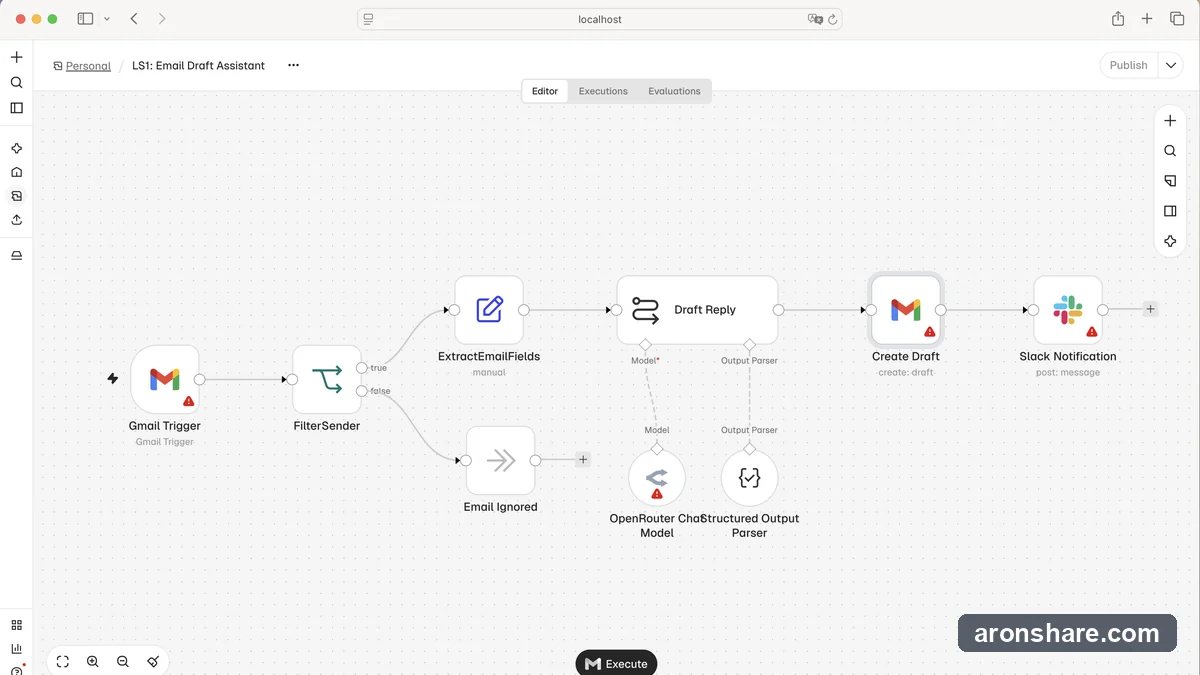
 n8n Fair-code workflow automation platform with native AI
Fair-code workflow automation platform with native AI capabilities. Combine visual building with custom code.
 AI 智能工具
 dify Build Agentic workflows, RAG pipelines
Build Agentic workflows, RAG pipelines, with rich AI model and tool support on one collaborative workspace..
 AI 智能工具
 Douyin TikTok Download API 开源抖音 / TikTok 数据 API,支持 MCP
Douyin TikTok Download API 是 Evil0ctal 开发的开源、自托管抖音与 TikTok 数据接口项目。很多人最早知道它,是因为它能解析短视频链接、拿到无水印媒体地址。
 AI 智能工具
 ai-memory 让 Claude Code 与 Codex 共享项目记忆
用 Claude Code 写代码时碰到限额,或者排查思路卡住了,很多人会打开 Codex 换个模型继续试。新会话看不到前面的处理过程,项目架构、报错原因、已经尝试过的办法和剩余待办,都需要重新说明。